On Nvim RPC
Or what changing my display mode taught me about RPC
Recently, I have been experimenting with a lot of different stuff, which I hope to talk about here soon, but one of them stemmed from a pragmatic issue: taking care of my eyes.
As a real programmer, I love dark mode universally. But now that winter is coming, I like to switch between sitting at my desk and sitting in the balcony while working. This obviously means sitting in the sun, or at least in diffused sunlight, and my laptop has a really bad habit: it automatically changes brightness according to what is displayed on screen. Put something white, and brightness increases, put something dark, things go dark pretty quickly.
This is not just a side effect of colour intensity though, the luminescence does change in real time. I don’t know why the manufacturers thought this would be a good feature. Worse, I can’t even turn this “screen-adaptive” brightness off (at least not so far). Combine my love of dark mode with this moody screen and you get a good old dim screen. Normally, this is not a problem inside my room, but this can become especially taxing for my eyes in the balcony.
I use Manjaro Linux with i3wm, and hence, I wanted to create a script that can toggle my screen from light to dark and vice versa (A truly programmer move).
Initial script
It was initially a routine task and hence I handed it off to Claude to come up with a basic script (btw these things are now quite competent at a lot of stuff).
#!/usr/bin/env bash
state=~/.cache/theme-mode
mode=$(cat "$state" 2>/dev/null || echo dark)
[ "$mode" = dark ] && new=light || new=dark

if [ "$new" = light ]; then
  gsettings set org.gnome.desktop.interface color-scheme prefer-light
  gsettings set org.gnome.desktop.interface gtk-theme Adwaita
else
  gsettings set org.gnome.desktop.interface color-scheme prefer-dark
  gsettings set org.gnome.desktop.interface gtk-theme Adwaita-dark
fi

# Terminal: point a symlink at light.toml or dark.toml
ln -sf ~/.config/alacritty/$new.toml ~/.config/alacritty/theme.toml

echo "$new" > "$state"
This solved mostly everything. The way it works is mostly self-explanatory: it reads a state variable stored in ~/.cache/theme-mode, toggles it, and uses gsettings to change the system theme accordingly.
My alacritty terminal also gets a different colorscheme based on the mode, and so everything happens correctly. Except one thing.
The tmux issue (apparently)
I use NeoVim as my text editor. When changing colors, sometimes my NeoVim would often get into a glitchy state, where the background colors swapped fine, but the foreground colors got stuck, giving either a white-on-white or black-on-black reading experience (And that is not easy on the eyes). Moreover, some random event like closing or opening a new window fixed it, but it was not consistent, sometimes it fixed at once, sometimes on opening the fifth window, sometimes not at all.
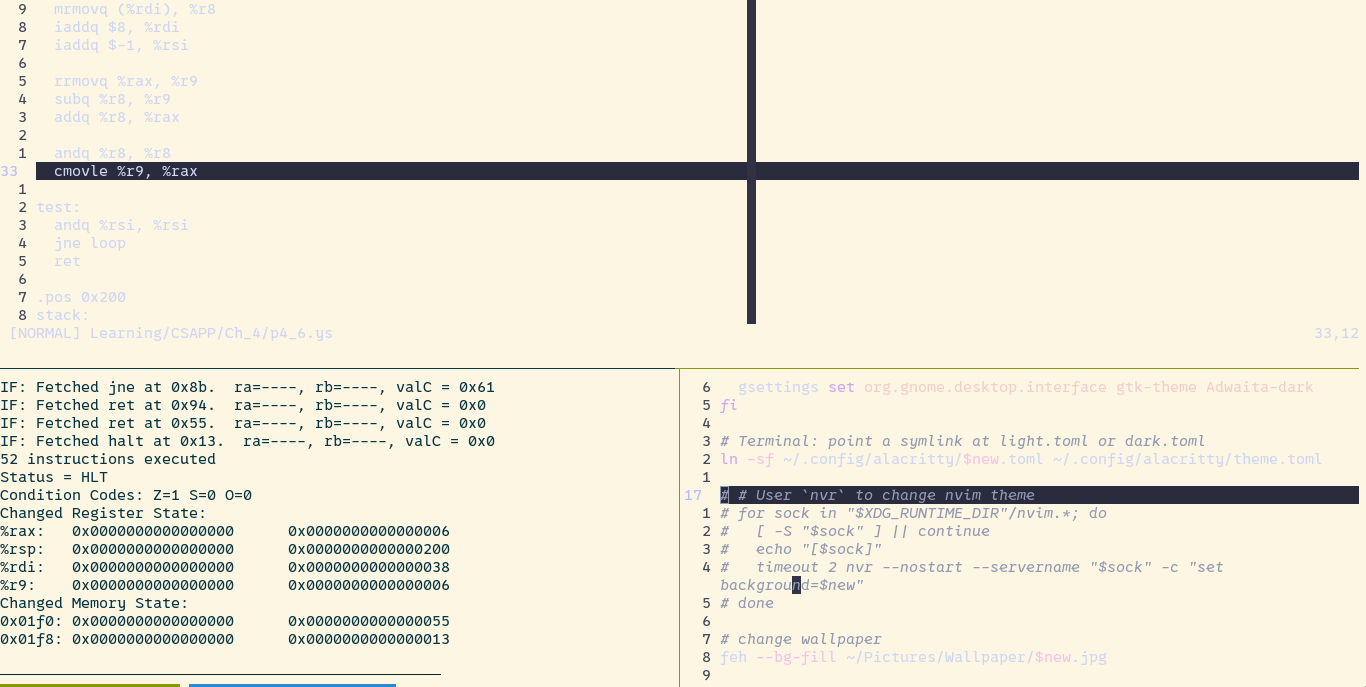
My initial hunch was that this was a tmux issue. I have had these issues before where tmux doesn't show true terminal colors properly, so a glitch in that was my first hunch.
Minor detour: I recently observed that Claude made my life a little too easy, it took the challenging parts of being a software engineer away by just handing out the answer. So I changed the system prompt of Claude:
When I paste an error or describe a bug, classify it first:

ROUTINE (typos, config, syntax, boilerplate, library quirks I won't need to master): give the fix and a one-line cause. No coaching.

WORTH LEARNING (a concept I'm missing, architecture or design decisions, bugs in core areas of my work, an error type I've hit before in this conversation): don't give the answer first. Ask for my hypothesis in one line. If I don't have one, give one hint pointing to where to look. Be a strict teacher and only give the next important hint on asking. Only reveal the full solution after I say "I give up, please explain". Then explain the root cause and what would have let me find it myself.

If unsure which category applies, say which you think it is in five words and proceed. Hint: anything related to computer systems, using git properly, building a project is a learning point for me.

Override: if I write "just fix it", skip all coaching. If I write "coach me", use the learning mode regardless of category.

Keep responses short. No praise like a sycophant.
This has been quite effective. You can take this for a spin if interested.
I started investigating with Claude to see what could cause it. My first place to look was in the .tmux.conf file to see what could be amiss. I tried tweaking a few things, like changing the terminal-overrides in tmux, but nothing worked.
Just as a test, I opened an editor outside of tmux and toggled the colorscheme. I noticed that even the outside editor did not render the colorscheme properly and glitched with the same issue. So the problem was never with tmux to begin with. My next suspect was...
Do you have the alacritty for it?
I use alacritty as my terminal emulator, so my next thought was that there was some glitch in changing the theme.toml file that I referenced in my script earlier, due to which some colors were not overridden.
I turned on the alacritty msg config to look for any signs of repainting errors, but nothing. I thought maybe there was some extra configuration we had to do, but the documentation said that live_config_reload is on by default.
Replacing ln with cp was disastrous, as not only did it not work, it actually overrote my dark.toml with my light.toml file, and after restoring it I was still back at square one: everything was working except the foreground repainting.
The real problem
Once I mentioned the foreground-background thing to Claude, it came up with an alternative: maybe the issue was not in my terminal, but instead in my editor. To test this, it suggested using ls --color=auto in a terminal to print the current directory in color and then invert the theme. That worked properly, there was no weird light-on-light issue. That ruled out my terminal.
Now with Nvim it was simple. Just check :set background? and see if it was toggling correctly or not. And sure enough, it was not: it remained dark when the system went to light, light when it should be dark. And those random events I mentioned earlier flipped the background, only then was it properly displaying things.
A simple way to fix this would be to tell Nvim in my toggle script to also toggle it's background property. Basically, I needed a way to control Nvim programmatically, and a little back-and-forth with Claude told me that RPC (Remote Procedure Call) is how it is done.
Doing it myself
At this point, I could ask Claude to write an RPC script for me to get everything working, but this was too good an opportunity to pass. So I set about understanding how Nvim RPC works, dug into some NeoVim documentation, and came across nvr, an open-source application that can be used for RPCing Nvim instances.
It does this by sending commands to the running Nvim server. Every Nvim process creates an RPC Socket, accessible by typing :v:servername. A bit of experimentation told me that all such sockets got created in /run/user/<user_id> and all Nvim sockets have a naming convention of nvim.x.y. And so, what I had to do was iterate through this folder, find all Nvim sockets, and RPC them to toggle their background property.
So in the same script, I added this new piece of code:
# NeoVim: Use `nvr` to set the theme
directory=/run/user/1000/
pushd $directory >/dev/null

for f in *; do
  if [[ $f =~ ^nvim.* ]]; then
    nvr --servername $f -c "set background=$new"
  fi
done

popd >/dev/null
Not the most elegant way to do it, but this worked. At this point, I gave it to Claude who suggested a few refinements:
- Instead of hardcoding
/run/user/1000, we should use$XDG_RUNTIME - No need for this push and pop drama, and testing the string inside the loop; this works:
for f in "XDG_RUNTIME"/nvim.*; do
  nvr --servername $f -c "set background=$new"
done
- Adding a check if
fis a socket is useful: inside the loop, beforenvr, we add this:
[ -S "$f" ] | continue
Final Touches
There was another suggestion: to set a timeout for nvr so that it doesn't hang everyone up. Initially I thought this was no big deal and ignored it, but I noticed that while testing, if an error came up, the script hung up. So in the end, I added it:
timeout 2 nvr --servername "$f" -c "set background=$new"
Later, I was curious if it could identify the sockets correctly so I made it echo out the socket name in the loop. Here's what I found if I had three nvim editors open:
$ ./.local/bin/toggle-theme
[/run/user/1000/nvim.*]
[/run/user/1000/nvim.38103.0]
[/run/user/1000/nvim.38529.0]
[/run/user/1000/nvim.39382.0]
Where did the * come from? I was using it in the loop as a globbing character, not a literal one. A little digging told me that it was nvr itself. While testing, I had at one time called nvr on the literal nvim.* and that process was still alive.
So the thing to do was to first delete that process
rm '/run/user/1000/nvim.*' # single quotes are essential
Without the single quotes, it will treat * as a glob character and delete everything beginning with nvim.. Not what we want!
To prevent this sort of thing from happening again, we must instruct nvr:
timeout 2 nvr --nostart --servername "$f" -c "set background=$new"
The --nostart flag tells nvr not to start its own server if it is not able to find socket f.
Later I also used feh to change my wallpaper, light or dark depending on the system mode. With that fixed, the final script became:
#!/usr/bin/env bash
state=~/.cache/theme-mode
mode=$(cat "$state" 2>/dev/null || echo dark)
[ "$mode" = dark ] && new=light || new=dark

if [ "$new" = light ]; then
  gsettings set org.gnome.desktop.interface color-scheme prefer-light
  gsettings set org.gnome.desktop.interface gtk-theme Adwaita
else
  gsettings set org.gnome.desktop.interface color-scheme prefer-dark
  gsettings set org.gnome.desktop.interface gtk-theme Adwaita-dark
fi

# Terminal: point a symlink at light.toml or dark.toml
ln -sf ~/.config/alacritty/$new.toml ~/.config/alacritty/theme.toml

# # User `nvr` to change nvim theme
for sock in "$XDG_RUNTIME_DIR"/nvim.*; do
  [ -S "$sock" ] || continue
  timeout 2 nvr --nostart --servername "$sock" -c "set background=$new"
done

# change wallpaper
feh --bg-fill ~/Pictures/Wallpaper/$new.jpg

echo "$new" > "$state"
And this works like a charm!
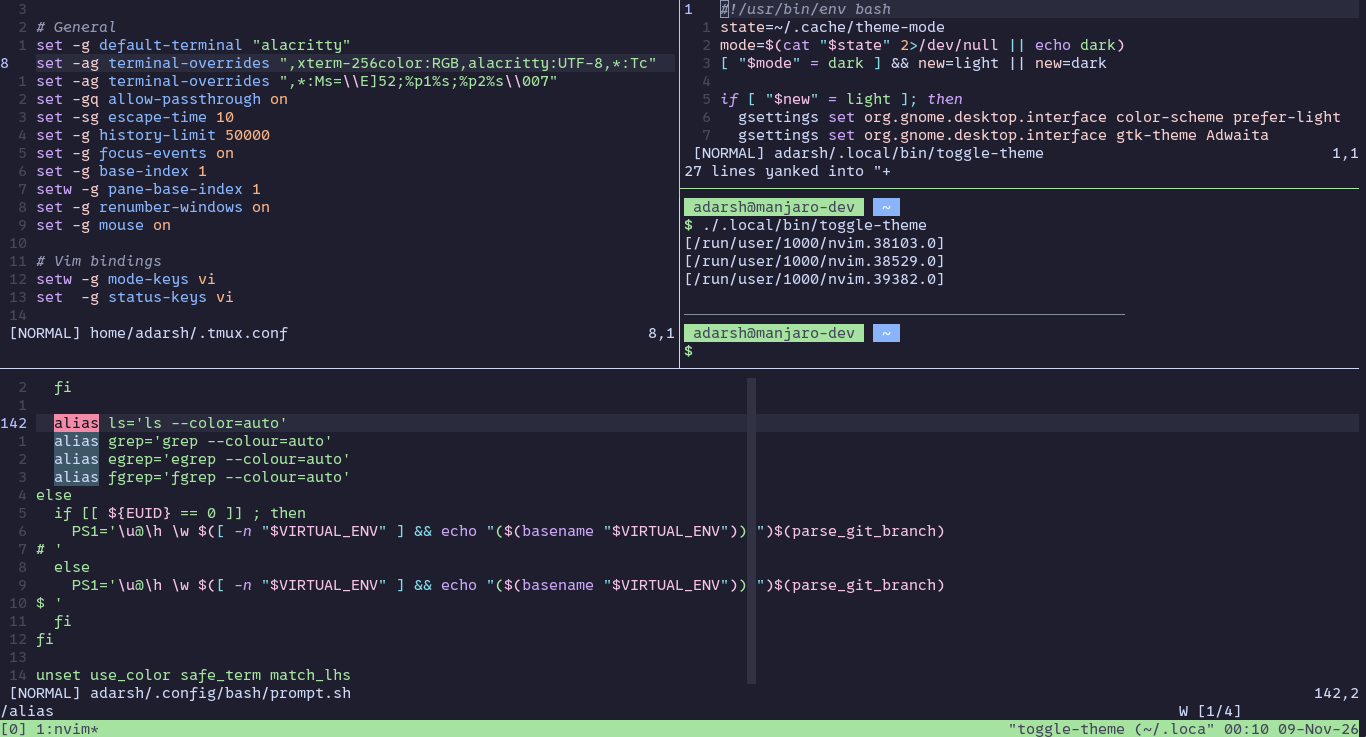
Fixed :D. Also showing off my terminal because why not
Thanks for reading all the way till here! If you like my work, consider supporting me: https://buymeacoffee.com/ashketchumx
About the author
- Hi, I am a software engineer, who is curious about computer systems. I like learning through building projects and solving problems. This blog is mainly a documentation of that process.
Comments
Join the discussionNo comments yet. Be the first to comment.